Head Rotation
Also known as: head turned, cervical rotation asymmetry.
What it is
Head rotation is a turn of the face to the left or right relative to the torso. A small turn in one photograph is common and can come from looking toward the camera, responding to a sound, or standing with the feet and shoulders slightly rotated. A repeatable resting bias may also be associated with habit, workstation layout, comfort, or unequal neck mobility. A static image cannot identify which muscles or joints are responsible, so the result is an alignment observation rather than a diagnosis. Seek clinical assessment if the position is new after an injury or occurs with pain, marked restriction, dizziness, visual disturbance, headache, or tingling or weakness in an arm.
How to spot it
In a level front photo, one cheek or ear may be more visible and the nose may sit off-center relative to the ears and breastbone. Check that the shoulders and pelvis face the camera before interpreting the head position. Repeat the photo after looking left and right and then relaxing toward center; a consistent bias across attempts is more meaningful than a single frame. You can also compare comfortable turning range in both directions, but do not force the neck into resistance or symptoms.
Muscles involved
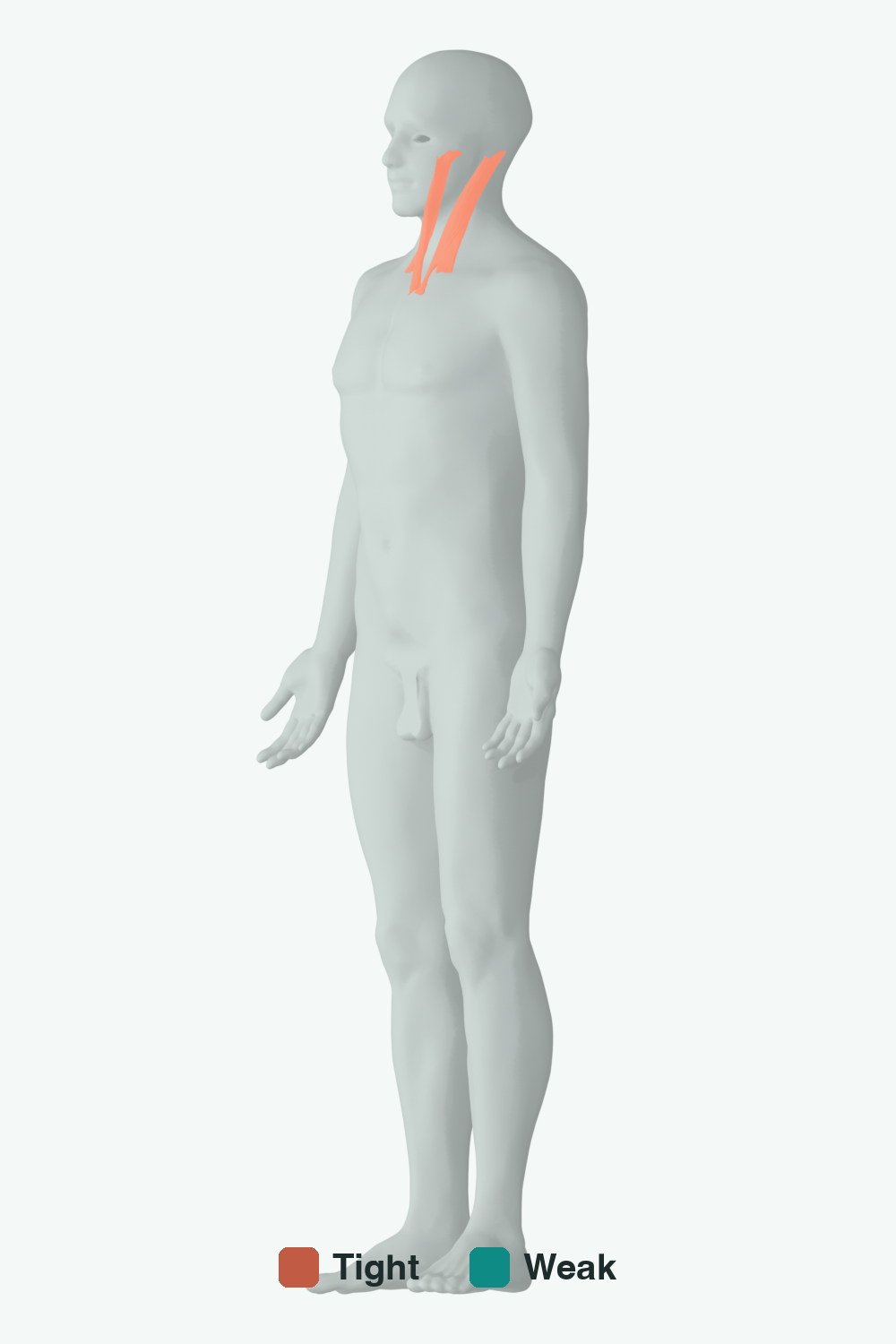
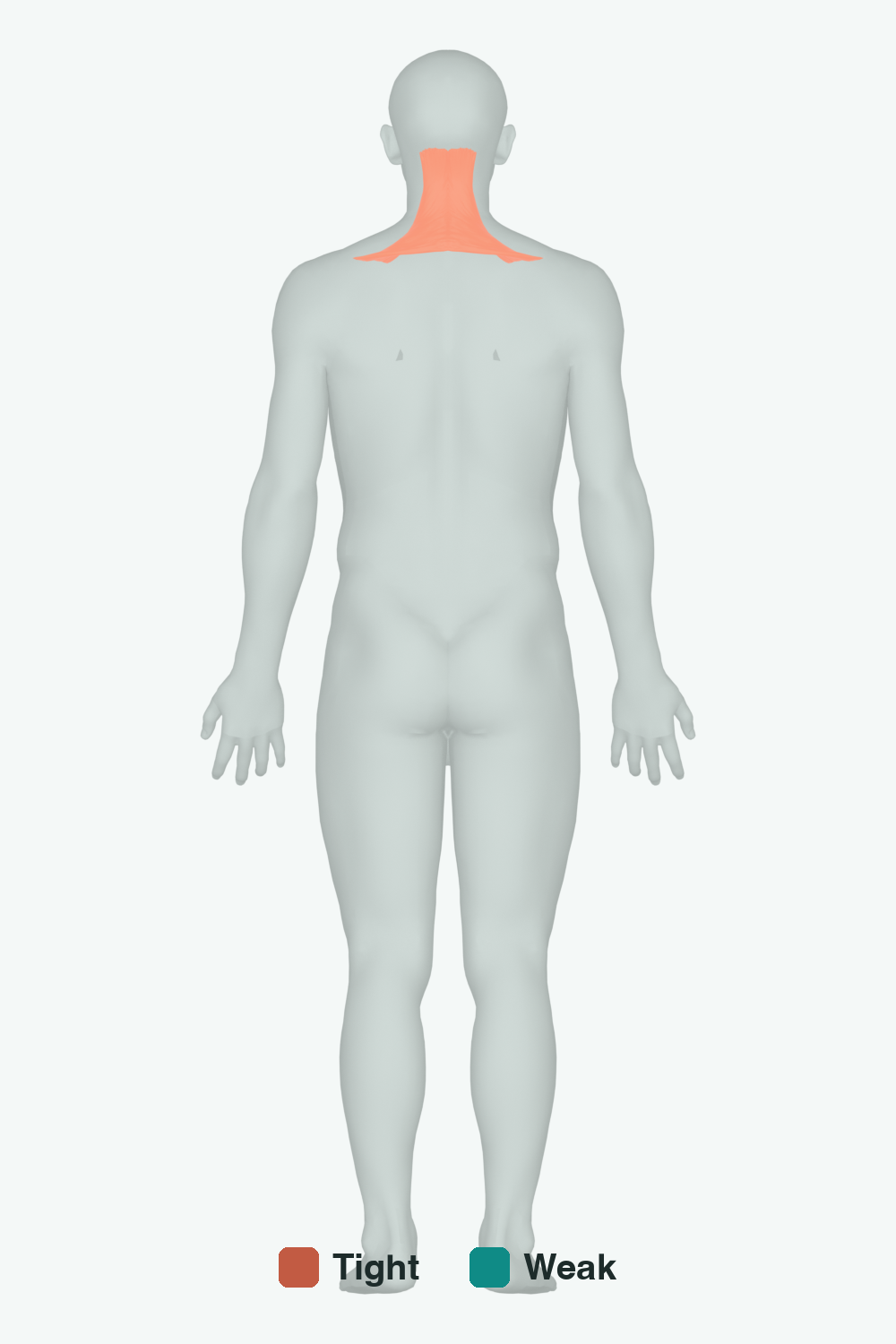
Coral = typically tight, teal = typically weak. Anatomical illustration from Z-Anatomy (derived from BodyParts3D), licensed under CC BY-SA 4.0.
Typically tight: sternocleidomastoid, upper trapezius
Typically weak: deep cervical rotators
How to correct it
- Practice gentle, pain-free rotation in both directions and work only within a comfortable range.
- Use brief forward-facing posture reminders rather than holding the neck rigidly in a corrected position.
- Place monitors and frequently viewed objects directly ahead so the workstation does not reinforce a repeated turn.
Recommended exercises
Related muscles
Educational wellness content — not a diagnosis. See a clinician for pain or concerns. Run a posture scan to check your own alignment.